Robot In A Can
ENFR

ROBOT IN A CAN / FIELD NOTES

Projects

Build something. Explore a signal. Make it your own.

Choose your kit

Robot In A Can
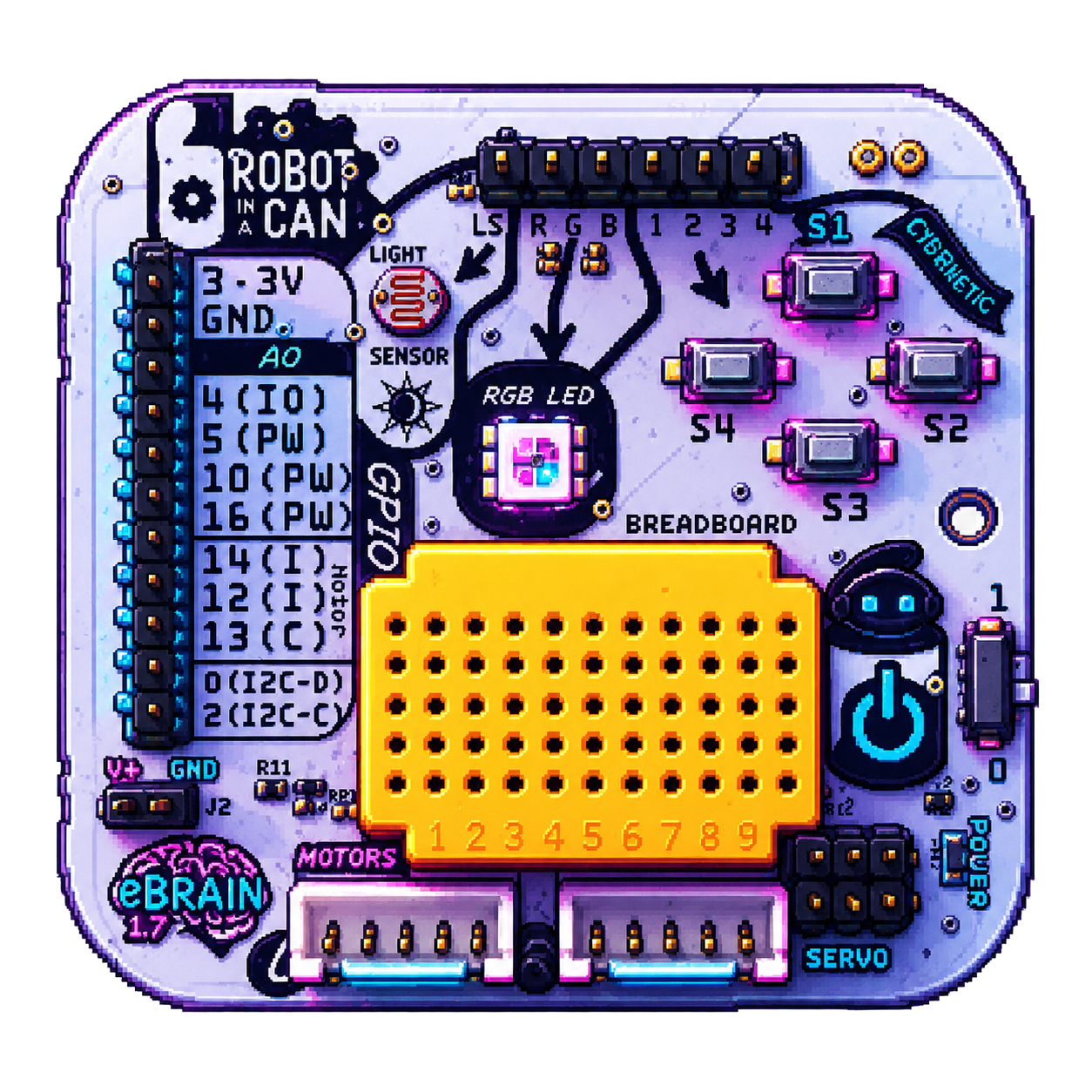
The eBrain board: a tiny programmable computer with buttons, sensors and connections
Getting Started

00 - Discover the eBrain

Computers are everywhere—in microwaves, cameras and cars, as well as laptops. They don’t need a screen or a keyboard! The eBrain is a tiny computer called a microcontroller. You can program it to control robots and receive input from sensors, making the unseen seen—and much more. Let’s begin to explore!

build
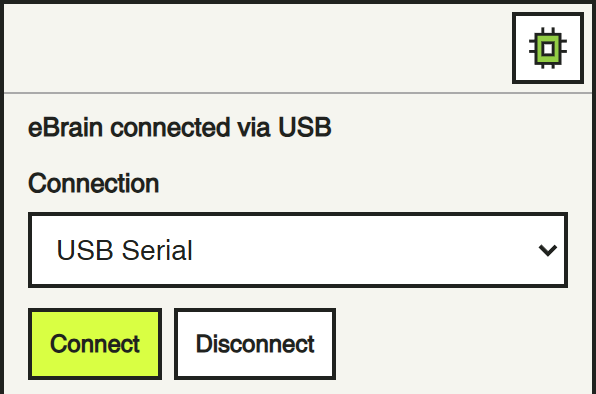
The current eBrain dock connected by USB.
Getting Started

01 - Connect your eBrain over USB

Connect with a USB data cable and start using your eBrain. No Wi-Fi setup needed.

build
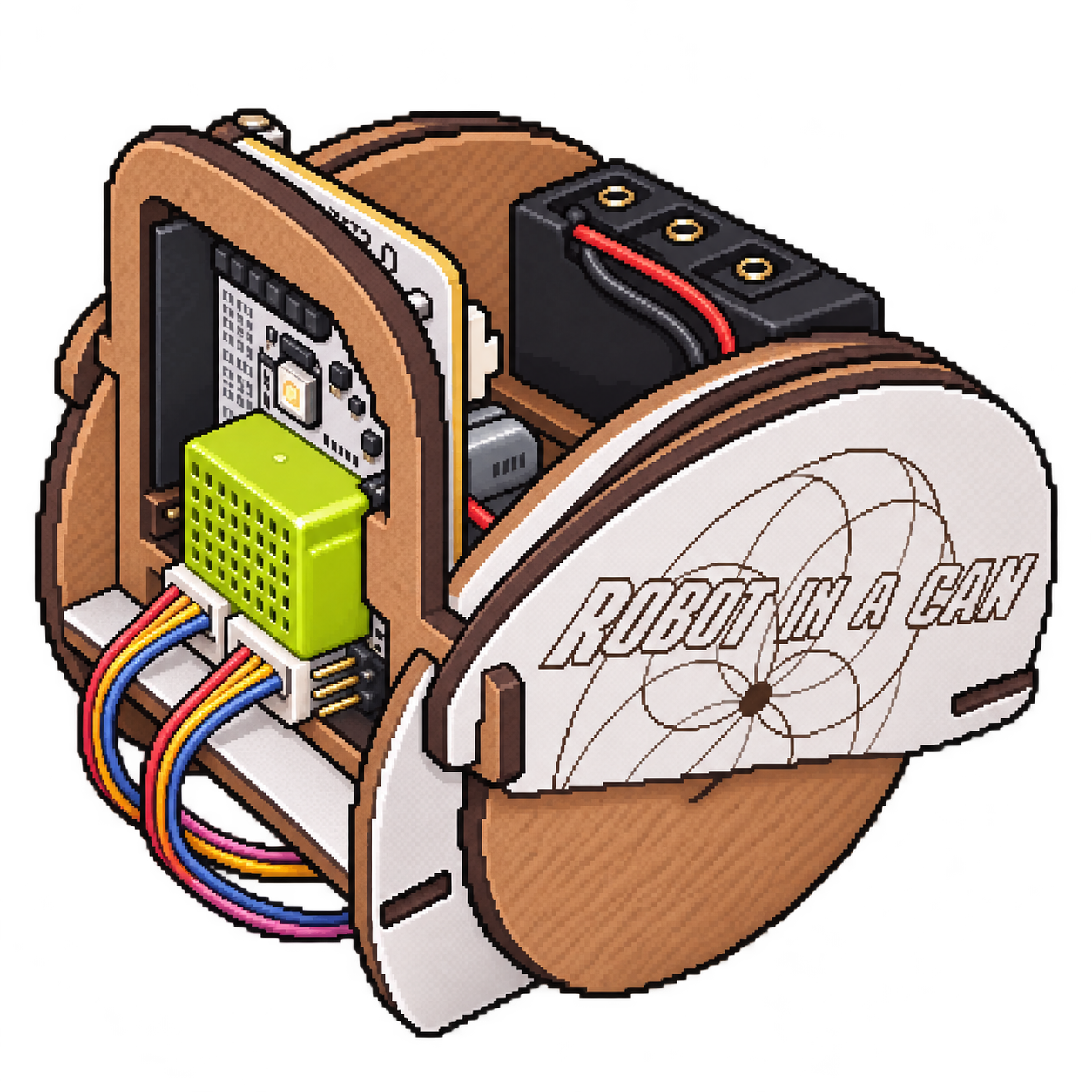
Pixel-art illustration of a Robot In A Can robot with its eBrain and wheels
Robotics

02 - Meet Your Robot

Let’s bring your robot to life!

project
Pixel-art sequencing and maze activity icon
Robotics

03 - Neon Pond

Put commands in order, predict the jumps and test your sequence.

project
Snap visual programming logo
Getting Started

04 - Program it in Snap!

Use readable blocks to test a circuit, watch a sensor value, or turn a working module into a larger invention.

code
Your First Program — pixel-art activity icon
Robotics

05 - Your First Program: Draw a Square

Build a sequence of move and turn commands to draw a square in Snap.

project
Distance & Angles — pixel-art activity icon
Robotics

06 - Distance & Angles

Tell your robot how far to go and how much to turn.

project
The Power of Loops — pixel-art activity icon
Robotics

07 - The Power of Loops

Do more with fewer blocks.

project
Shape Recipe Book — pixel-art activity icon
Robotics

08 - Shape Recipe Book

Choose a recipe and teach your robot a new shape!

project
Advanced Drawing — pixel-art activity icon
Robotics

09 - Advanced Drawing

Discover patterns inside patterns.

project
Spirograph Studio — pixel-art activity icon
Robotics

10 - Spirograph Studio

Create surprising geometric patterns.

project
Robot Golf — pixel-art activity icon
Robotics

11 - Robot Golf

Can you reach the target in the fewest moves?

project
Maze Master — pixel-art activity icon
Robotics

12 - Maze Master

Find your way from START to FINISH.

project
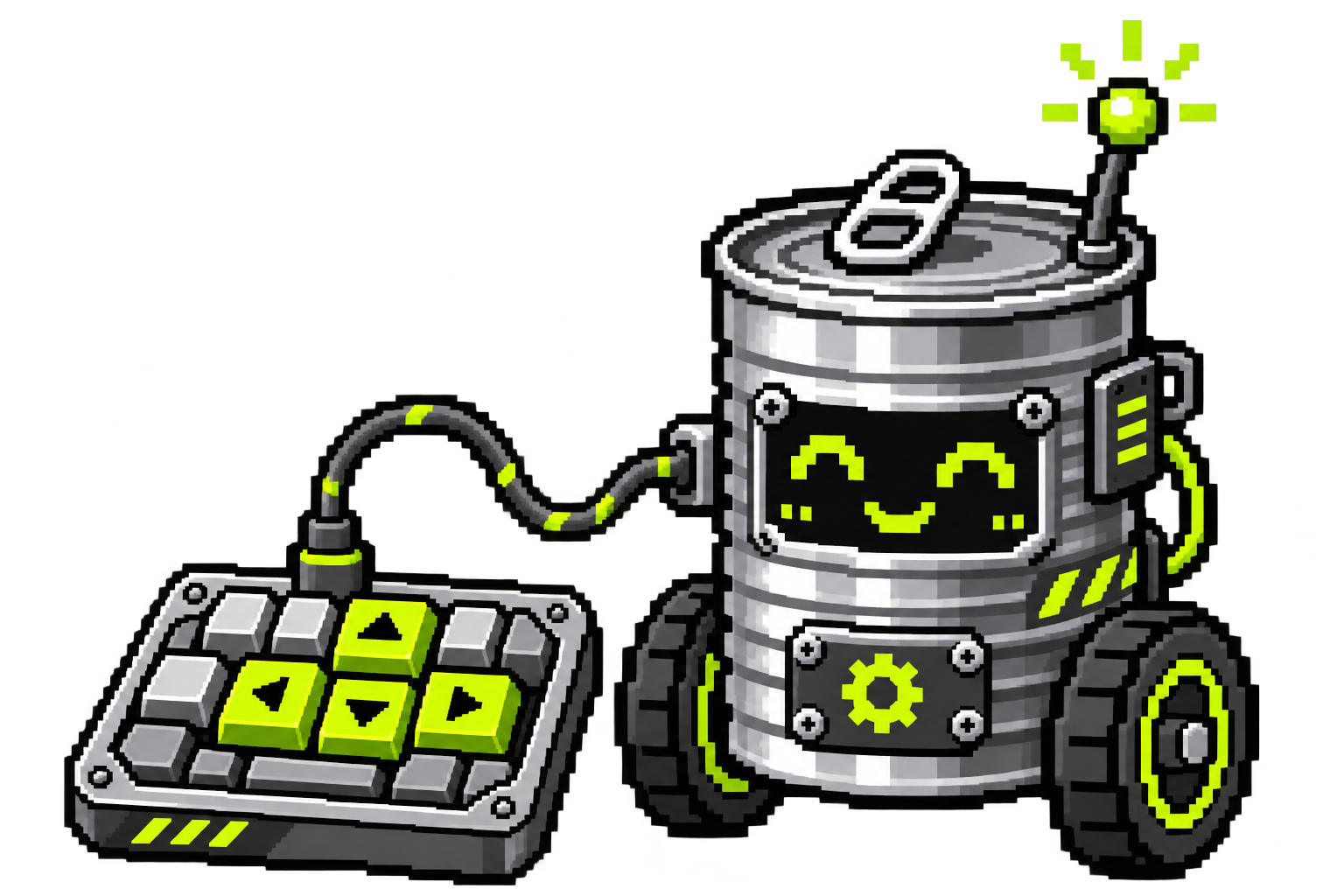
A tin-can robot connected to a keyboard with lime arrow keys, in pixel art.
Robotics

13 - Build a Keyboard Remote Control

Give each key a robot action.

code
A dancing tin-can robot with lime musical notes and an audio waveform, in pixel art.
Robotics

14 - Robot Dance Party

Make your robot dance to sound.

code
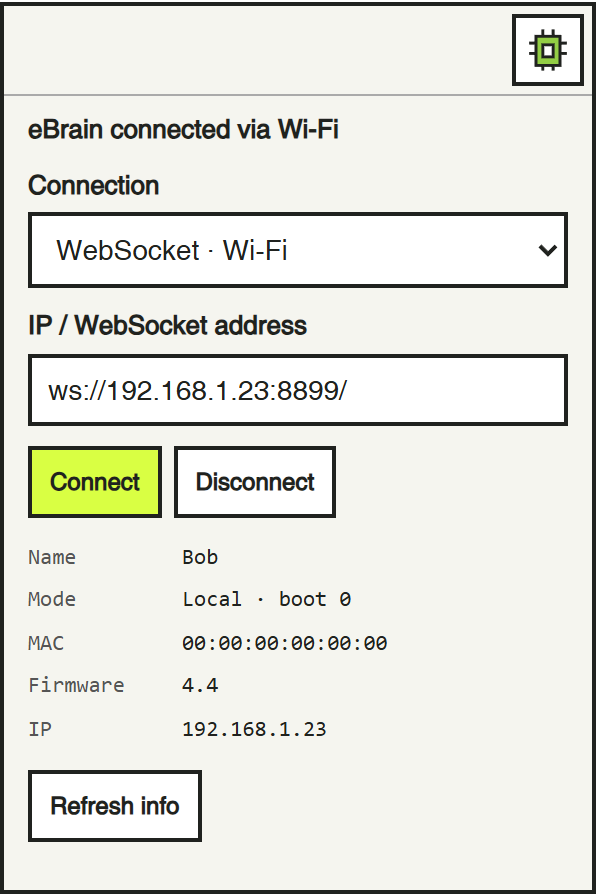
The real eBrain dock connected over WebSocket, with example device information and address ws://192.168.1.23:8899/.
Getting Started

15 - Connect your eBrain over WebSocket

Set up Wi-Fi over USB, then let the website connect your eBrain wirelessly.

build
The real eBrain dock connected over WebSocket, with example device information and address ws://192.168.1.23:8899/.
Getting Started

16 - Connection Troubleshooting and More Information

Start with easy checks, recover over USB, and try manual addresses or technical checks only if needed.

build

World of Vibration

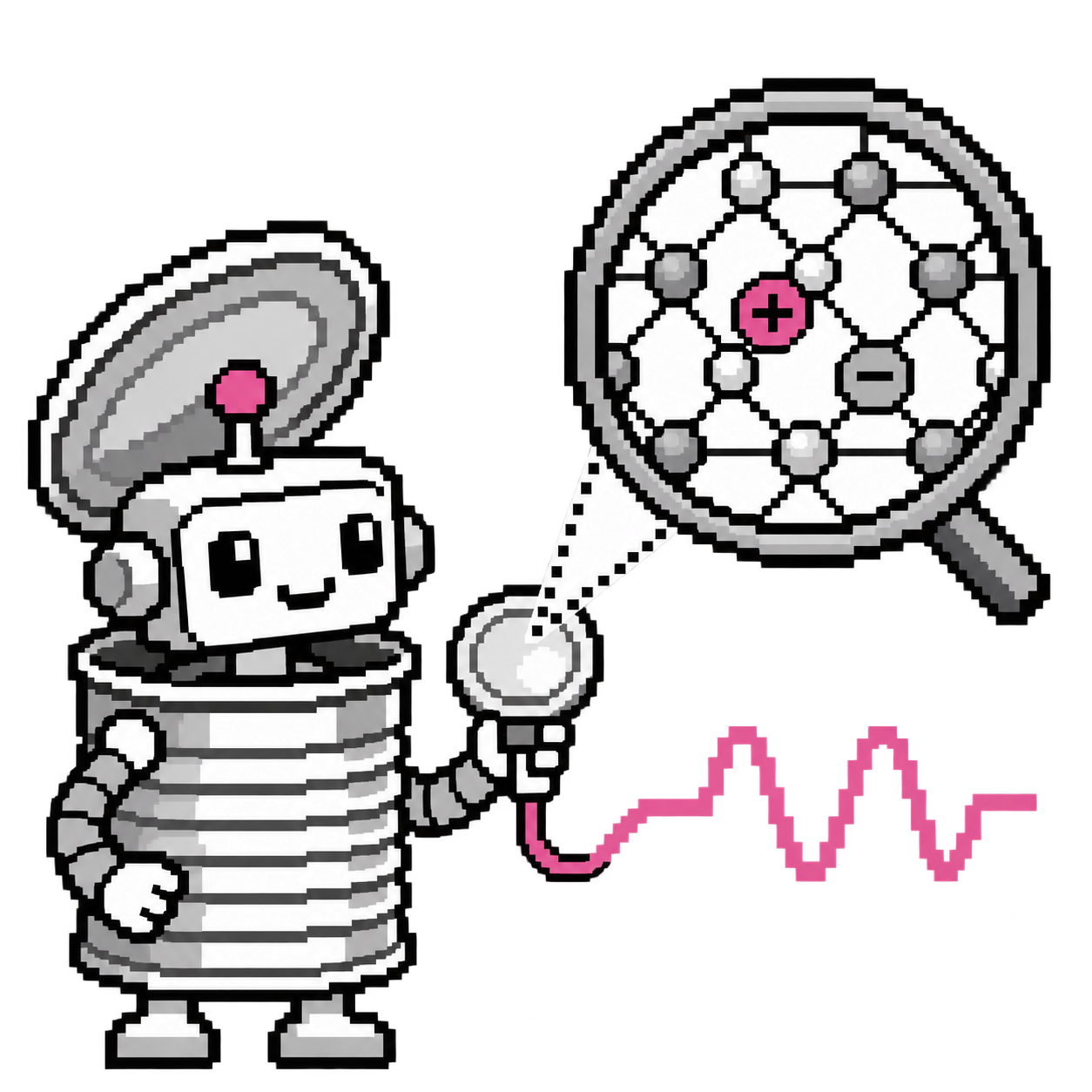
Pixel-art robot with a piezo sensor, a magnified crystal lattice, and a rose electrical waveform.
Getting Started

00 - Discover the piezo

Zoom inside a piezo and discover how a wiggle becomes an electrical signal.

experiment
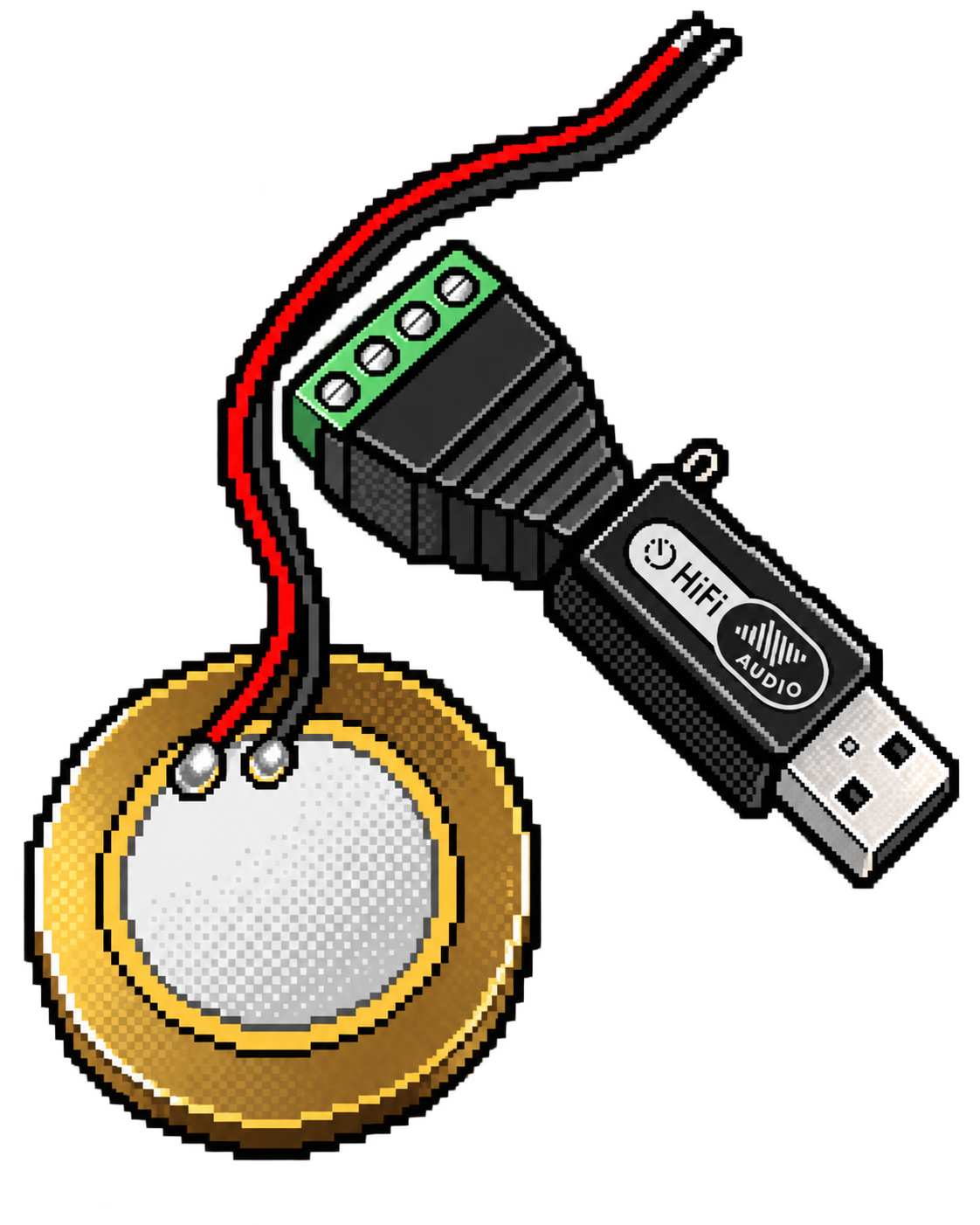
Piezo sensor, audio jack and screwdriver
Getting Started

01 - Connect the sensor

Connect your piezo sensor and check that it works with Junk Amp before building an instrument.

build
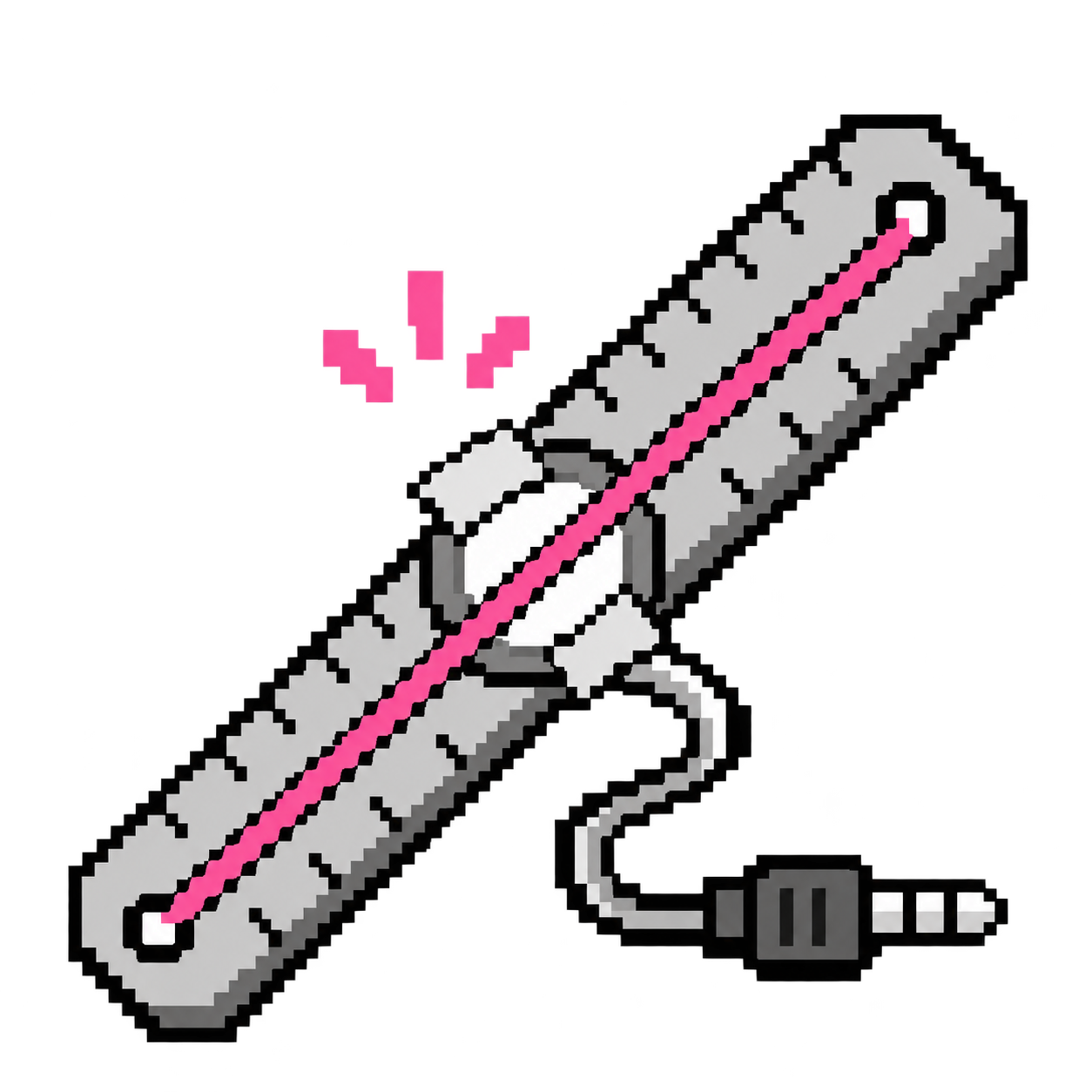
Pixel-art build a ruler instrument icon in black, white and rose.
Musical Instruments

02 - Ruler instrument

Turn a metal ruler, a piezo sensor, and an elastic band into a plucked instrument.

build
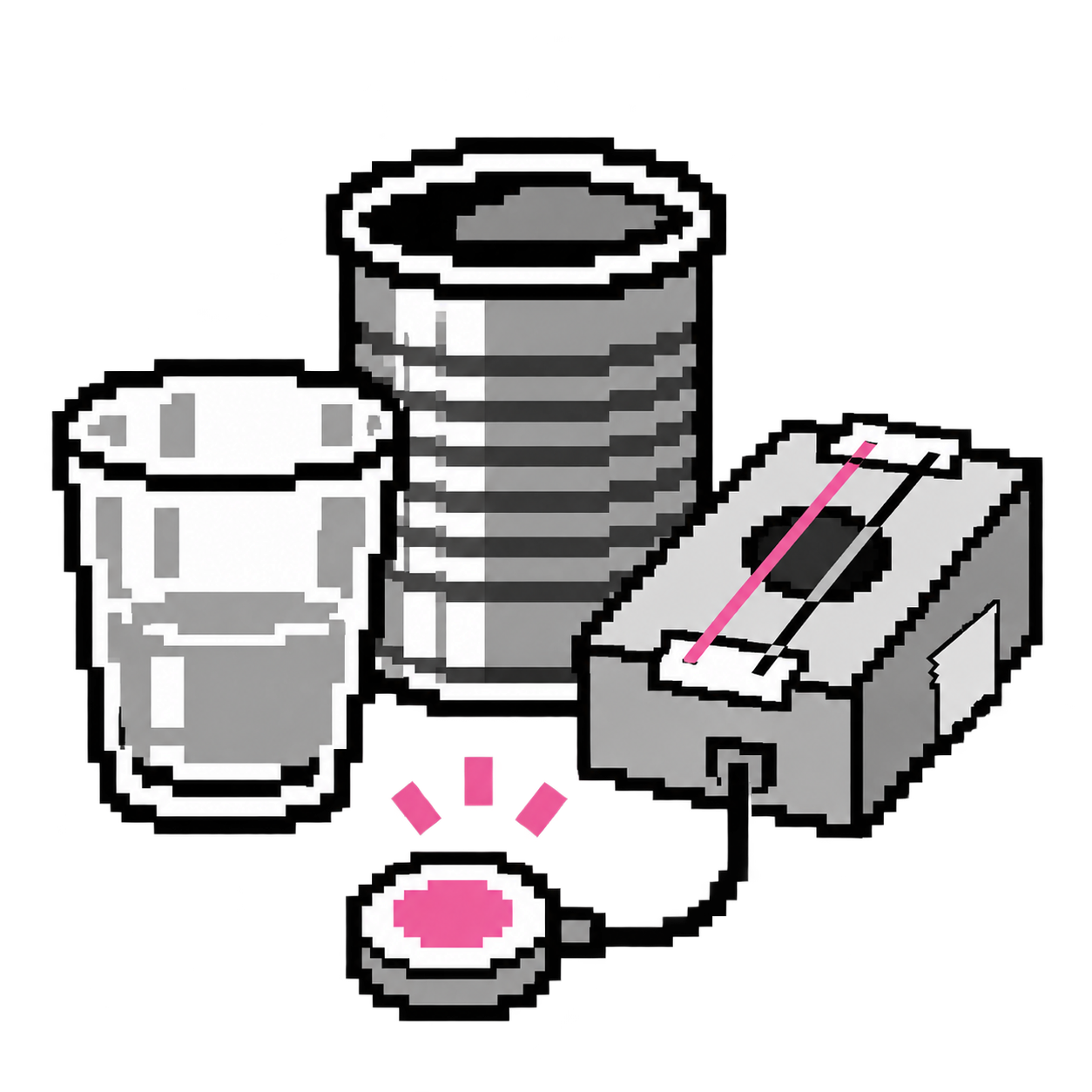
Pixel-art pick an object icon in black, white and rose.
Music & games

03 - Try objects

Try five everyday objects and compare the vibrations they make.

experiment
Pixel-art change one thing icon in black, white and rose.
Challenges

04 - Change one thing

Change tension, bridge position, or how you strike an object, then compare the sound.

experiment
Pixel-art piezo and robot volume meter crossing a threshold to trigger a musical note.
Getting Started

05 - Build in Snap

Build a volume-threshold instrument in Snap, one block at a time.

snap-recipe
8-bit Chord Field icon in black and white with a single accent color.
Music & games

06 - Chord Field

Choose a chord and use a piezo or microphone to shape its loudness. Customize 48 keyboard pads and explore 480 chords.

app
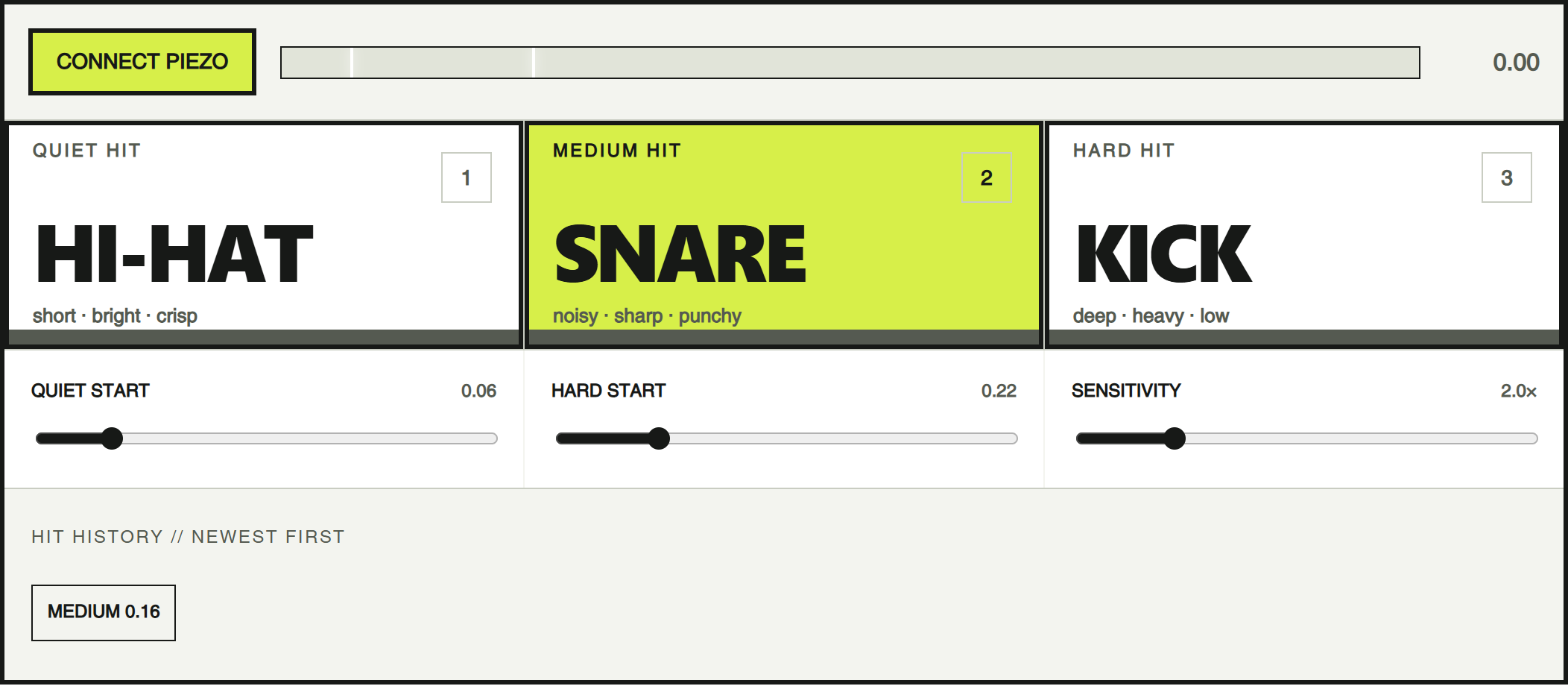
Three-sound drum screenshot with hi-hat, snare and kick pads; the snare is highlighted in lime.
Music & games

07 - Three-sound drum

Split hit strength into quiet, medium, and hard zones. Trigger a hi-hat, snare, and kick—or replace them with animals, lasers, voices, or ridiculous noises.

app
Pixel-art Vibration synth in black, white and one accent color.
Music & games

08 - Vibration synth

Map a 0–100 vibration reading to a frequency, such as 100–1000 Hz. Then experiment with pitch, wave shape, echo, and sensitivity.

app
8-bit Taps to Notes icon in black and white with a single accent color.
Music & games

09 - Taps to Notes

Hear slow taps become a note, compare instruments, and build your own sound with overtones.

app
Vibration experiments
Music & games

10 - Pixel Jump

Save the peak vibration level from each hit. A small tap makes a tiny jump. A medium tap goes higher. A huge hit launches the character.

app
Pixel-art Vibration Flappy Bird in black, white and one accent color.
Music & games

11 - Vibration Flappy Bird

Plug two instruments into a stereo input. Left controls Player 1, right controls Player 2, and each player adds a different synth voice to the soundtrack.

app
8-bit Mini ONE Piezo Playground icon in black and white with a single accent color.
Music & games

12 - Mini ONE Piezo Playground

Use one piezo sensor to play drums, samples, resonant sounds, or melodies.

app
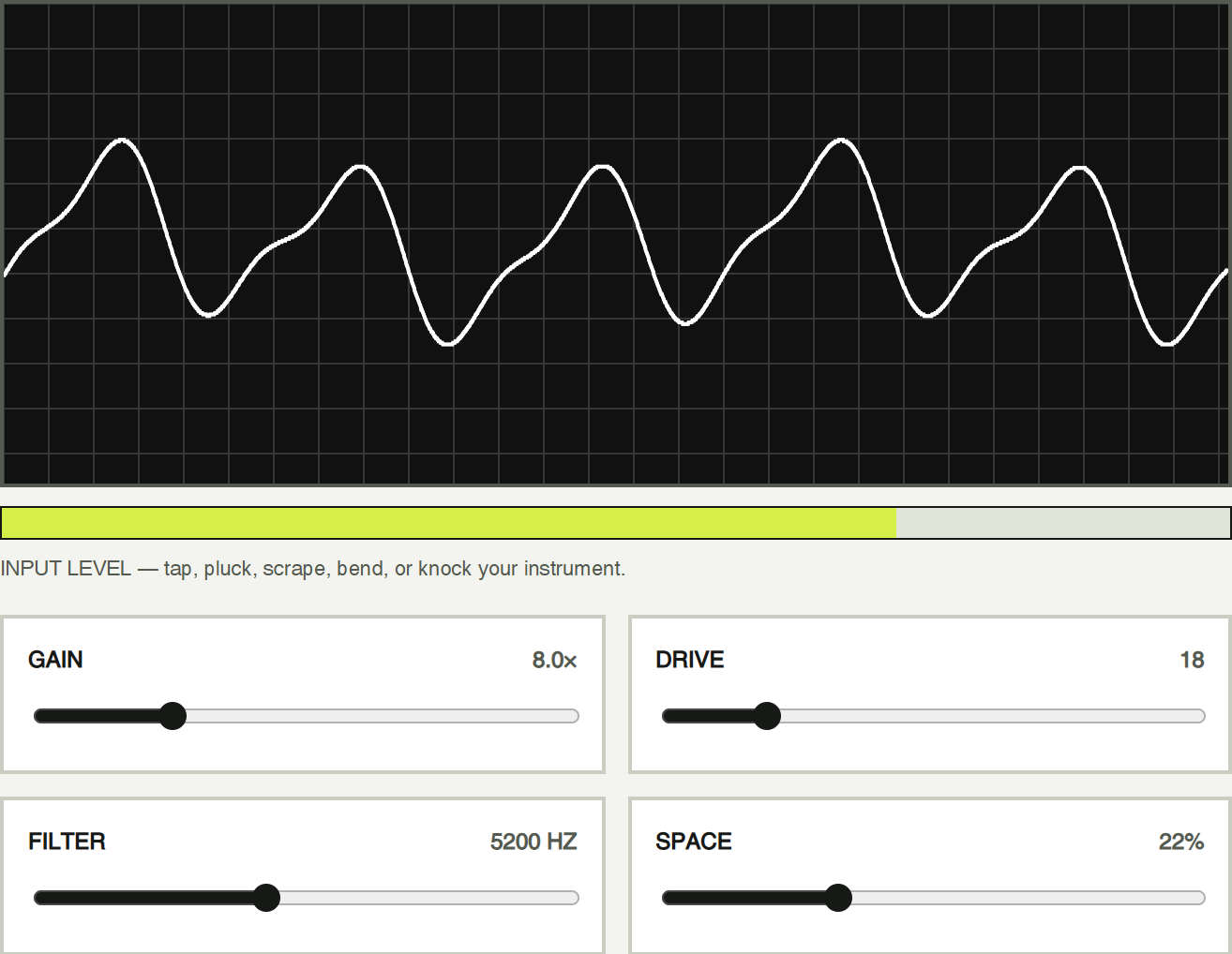
Junk Amp screenshot with an example waveform, input level and sound controls in black, white and lime.
Lab tools

13 - Junk Amp

Amplify taps, plucks, scrapes, and knocks. Watch the live waveform, compare input strength, and shape the sound with gain, drive, filter, space, and presets.

app
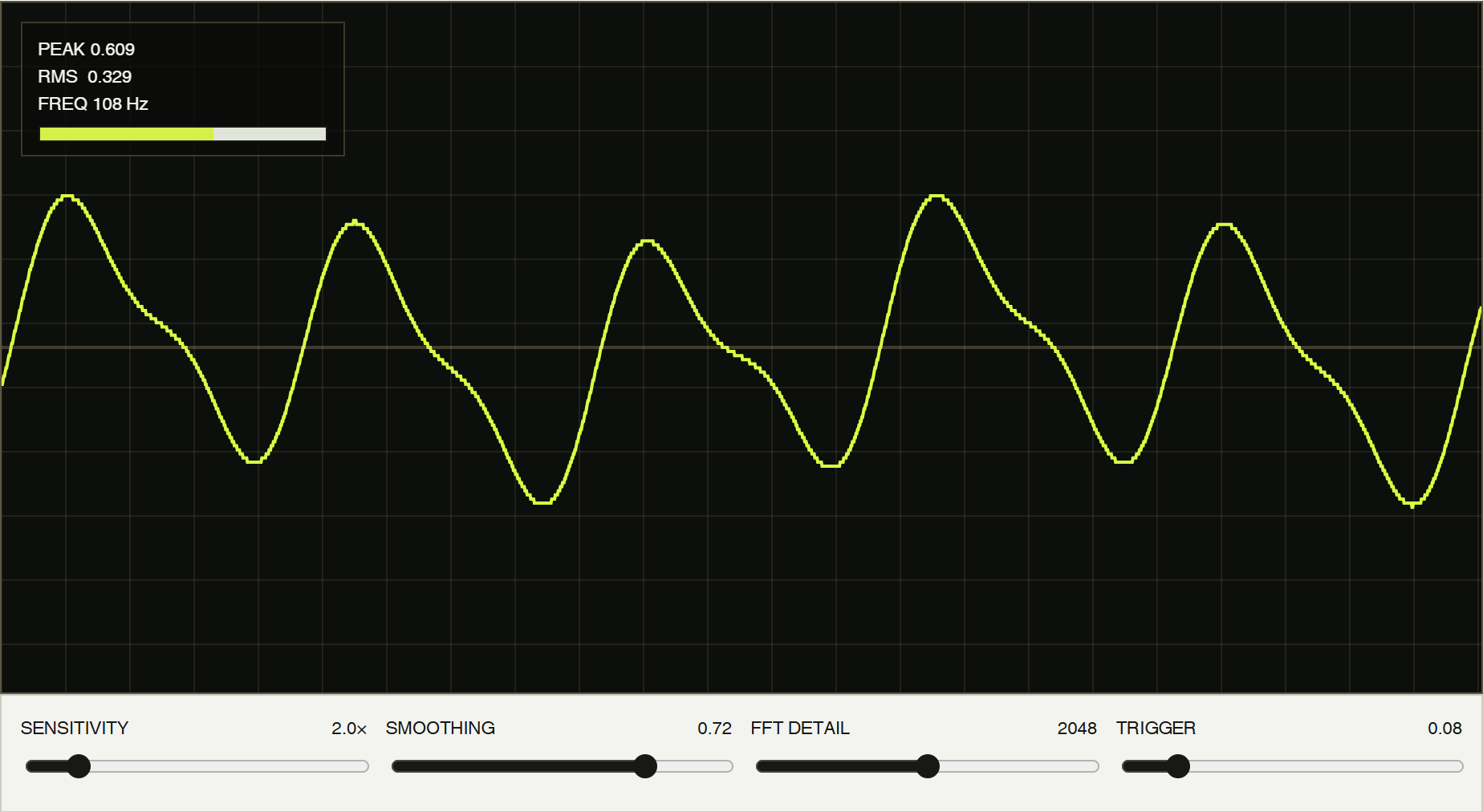
Signal Lab oscilloscope showing a lime example waveform and signal readings on a black background.
Lab tools

14 - Signal Lab

See live wave, trail, spectrum, spectrogram, and energy views. Compare peak, RMS, and frequency, freeze the evidence, or record a strange vibration.

app
8-bit Tap-test Young’s Modulus icon in black and white with a single accent color.
Lab tools

15 - Tap-test Young’s Modulus

Measure a bar’s resonant frequency with a piezo or microphone and estimate its stiffness.

app
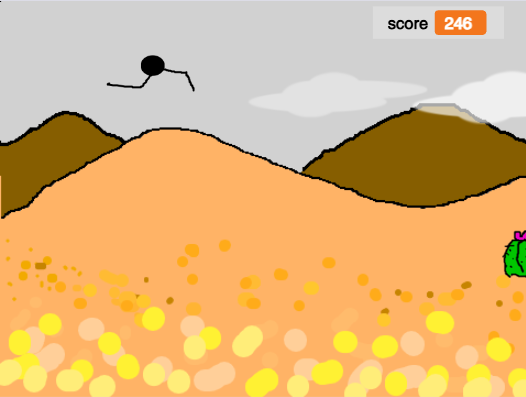
Pixel Jump in Snap: a jumping character above orange hills, with score 246.
Music & games

16 - Pixel Jump in Snap

Explore a Snap game that turns microphone volume above a threshold into a jump, with costumes, clones, collisions, and scoring.

code
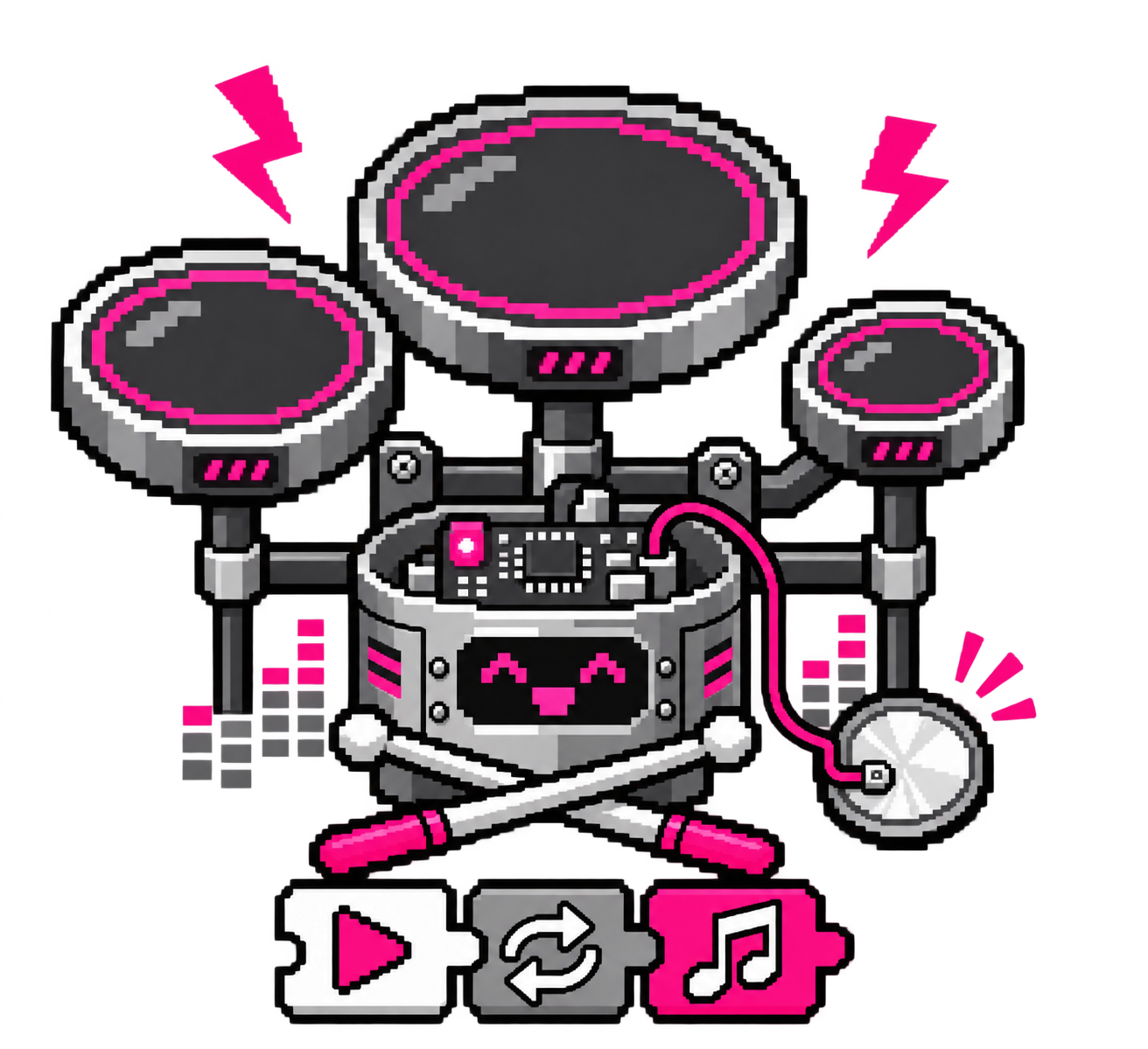
Three drum pads, a piezo sensor and programming blocks with pink accents, in pixel art.
Music & games

17 - Three-sound drum in Snap

Split hit strength into quiet, medium, and hard zones. Trigger a hi-hat, snare, and kick—or replace them with animals, lasers, voices, or ridiculous noises.

code
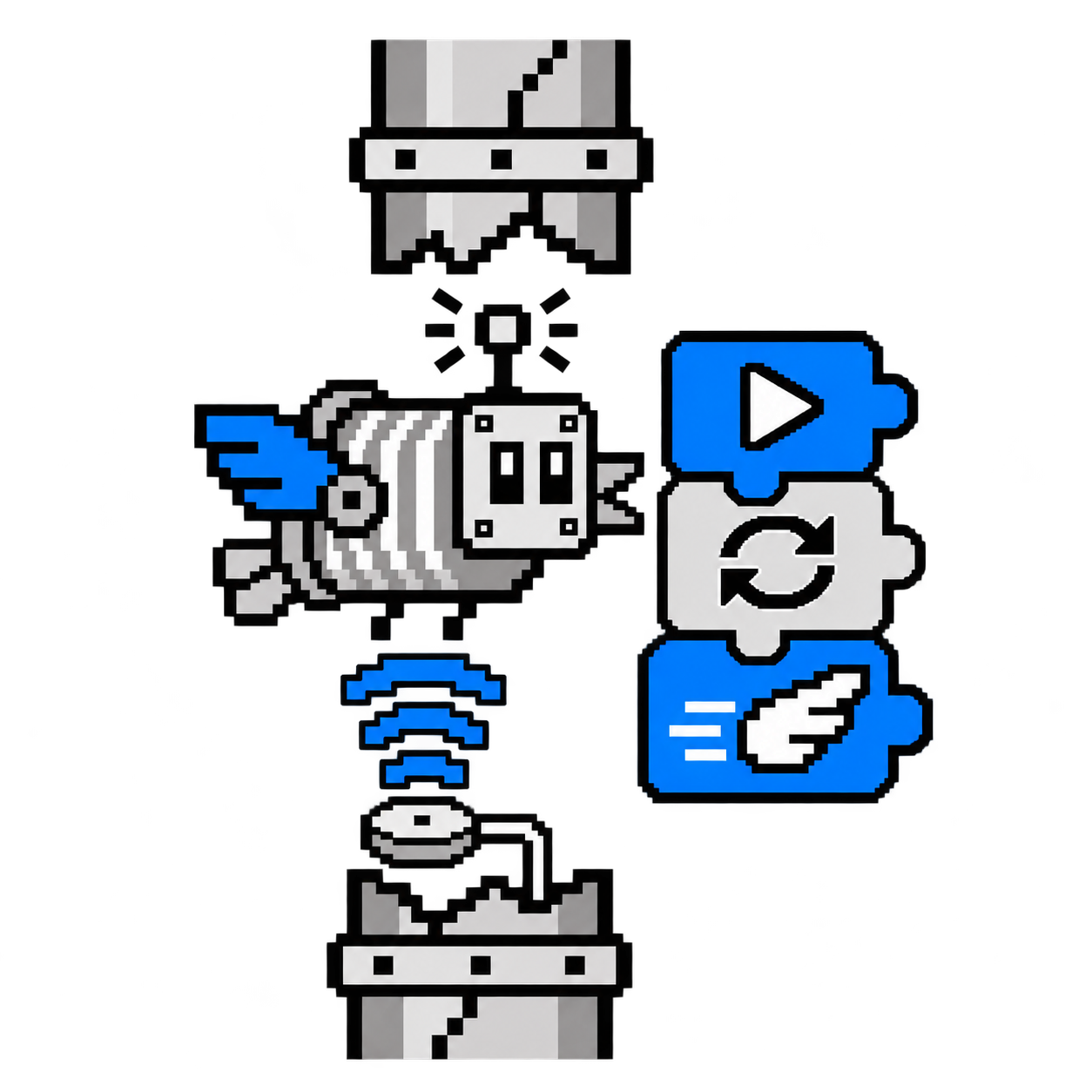
A blue-winged tin-can bird, vibration sensor and DIY programming blocks, in pixel art.
Music & games

18 - Vibration Flappy Bird in Snap

Remix Flappy Bird in Snap. With a stereo microphone or two piezos connected to a stereo input, two players can fly together: the left channel controls one bird, the right channel the other.

code

Programmable Lab Kit
Drawing Machine