
02 - Ruler instrument
World of VibrationFIELD NOTES / build
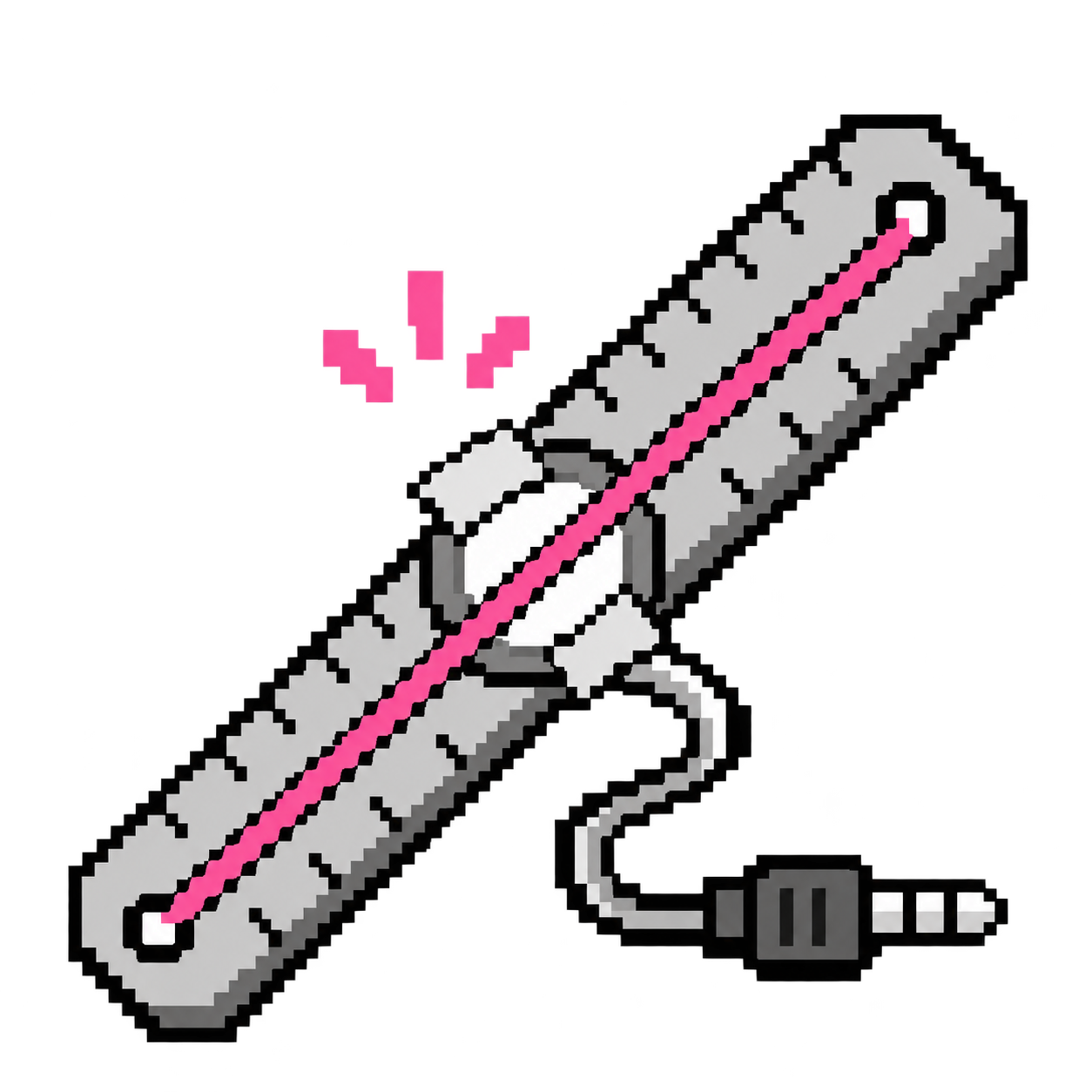
Turn a metal ruler, a piezo sensor, and an elastic band into a plucked instrument.
Step by step
- Step 1 of 3
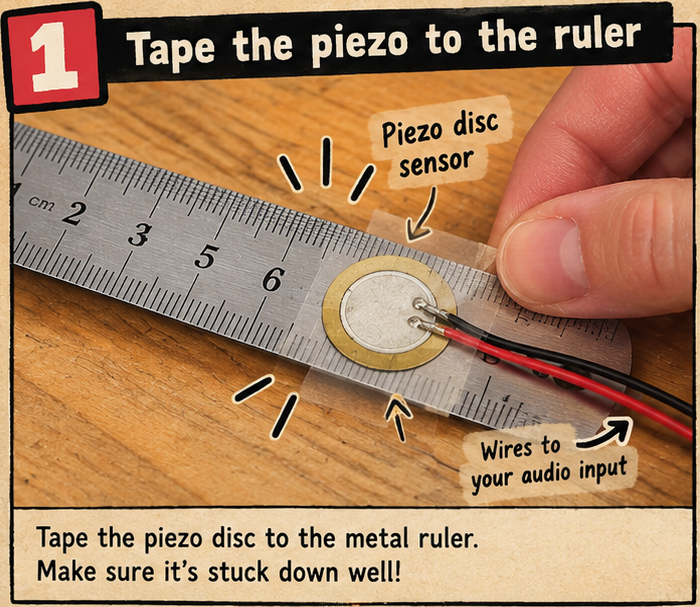
Tape the piezo to the ruler
Tape the flat face of the piezo disc firmly against a metal ruler. Keep the wires secure and connected to the audio input you tested in Junk Amp.
- Step 2 of 3
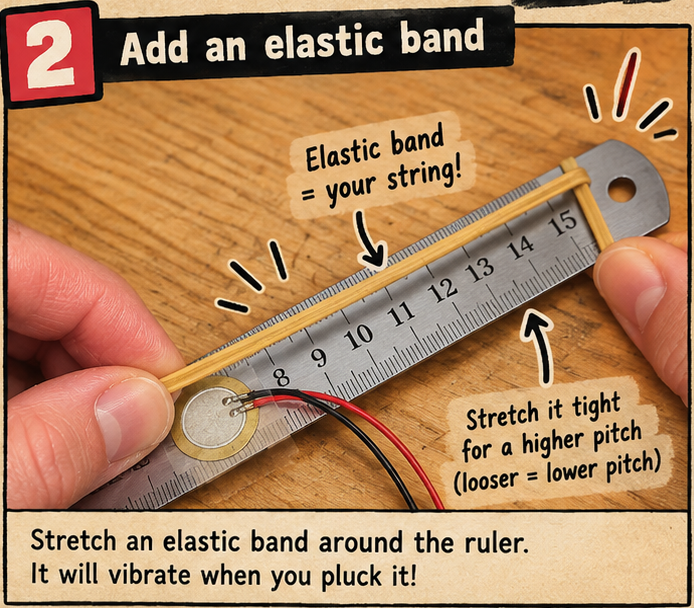
Add an elastic band and pluck it
Stretch an elastic band around the ruler. Pluck the band gently and listen in Junk Amp at low volume. Compare a tighter band with a looser one: what happens to the pitch?
- Step 3 of 3
Listen and compare in Junk Amp
Keep the listening volume low. Press Start Audio, allow microphone access, and select your piezo’s audio input. Play the object or instrument from this project and compare the sound and waveform. Change one thing at a time so you can hear what each change does.
/apps/audio/junk-amp/index.html