
05 - Your First Program: Draw a Square
Build a sequence of move and turn commands to draw a square in Snap.
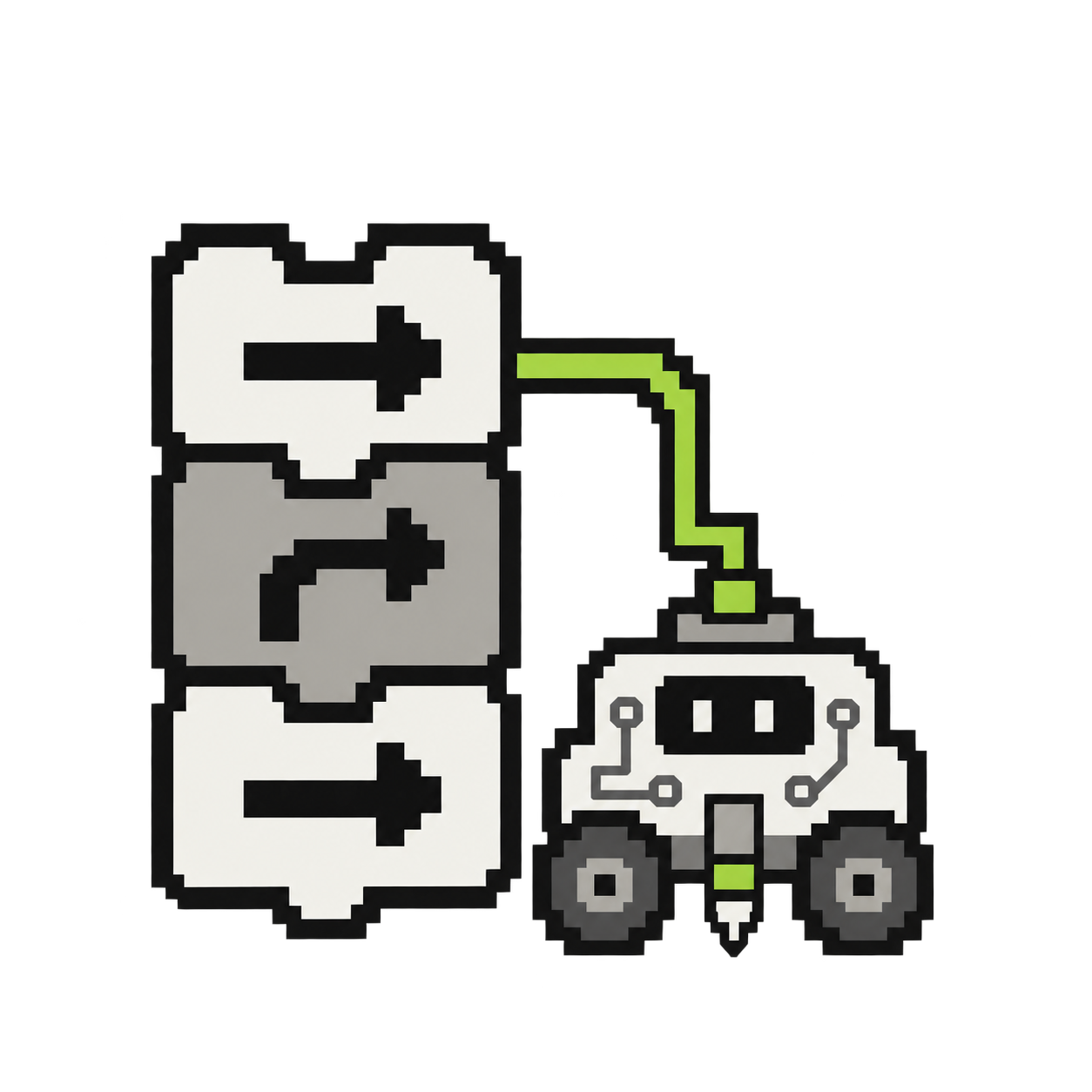
For real robot moves in Snap, ask your workshop leader to check the block values first. Use the Remote on card 06 for measured distances and turns.
Try it step by step
- Step 1 of 2
Your challenge: a square
Can you make four equal sides with a turn at every corner? Build the whole sequence yourself before using a loop. What commands must repeat to get back to the start? For a real robot, use the robot blocks and short movement values checked by your workshop leader.
- Step 2 of 2
Build and run
Click on the blocks to run them! Try clicking one of the red blocks to make the robot move. The red Stepper Robot blocks move the robot. Using the blocks make the robot draw a square. If you snap the blocks together they will play one by one in a list.
/apps/ebrain/code/snap/snap.html · /library/projects/simpleSquare.xml