09 · Maze Master
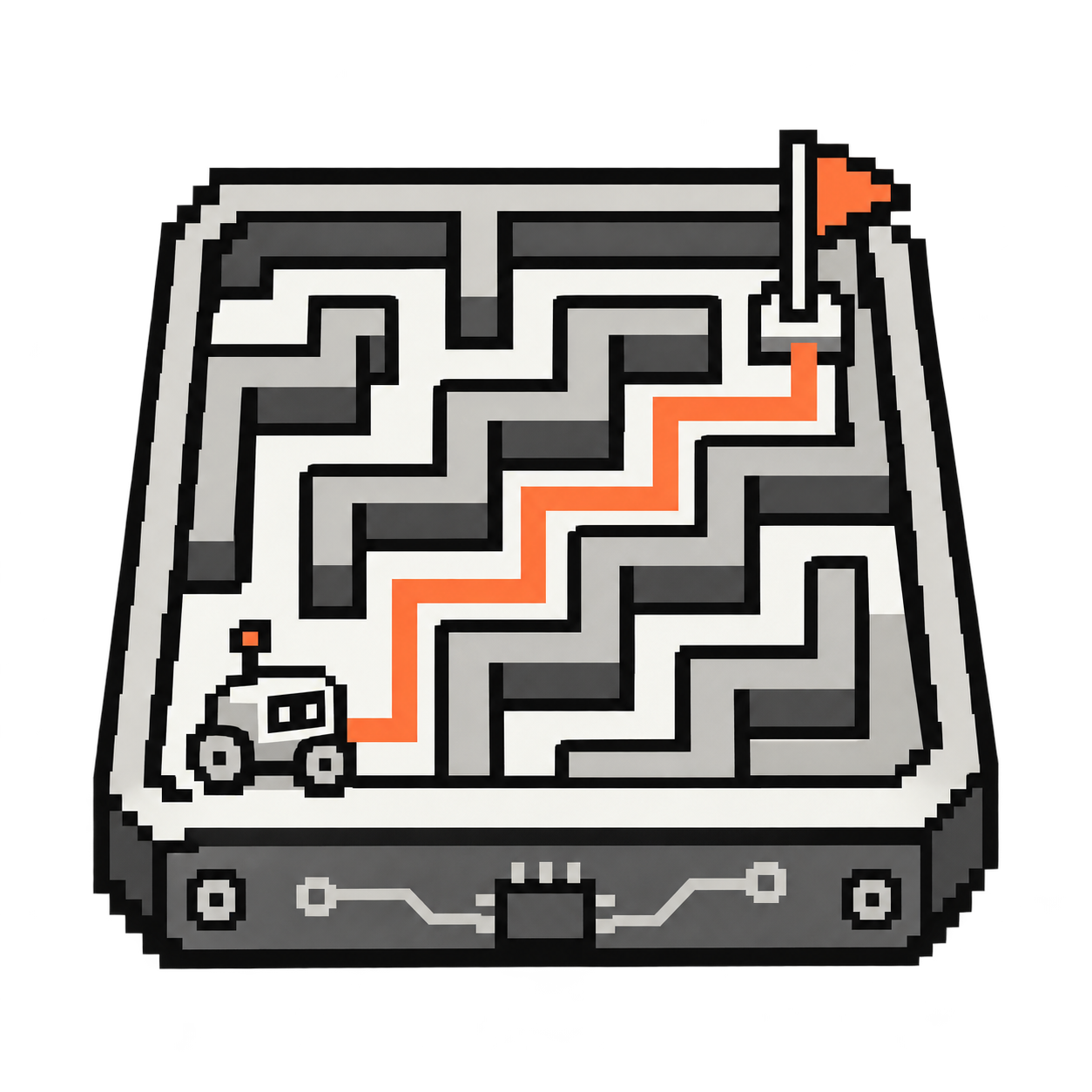
Find your way from START to FINISH.
For real robot moves in Snap, ask your workshop leader to check the block values first. Use the Remote on card 02 for measured distances and turns.
Try it step by step
- Step 1 of 4
Warm up: try the lily-pad game
Choose arrow commands to guide the explorer across the lily pads to the star. Plan the whole sequence before pressing LANCER (Run). If you land in the water, change your commands and try again. This game stays on screen and does not control your robot. After this warm-up, build your own maze on the floor!
/apps/code/neon_lilypad_programmer.html
- Step 2 of 4
Build a maze
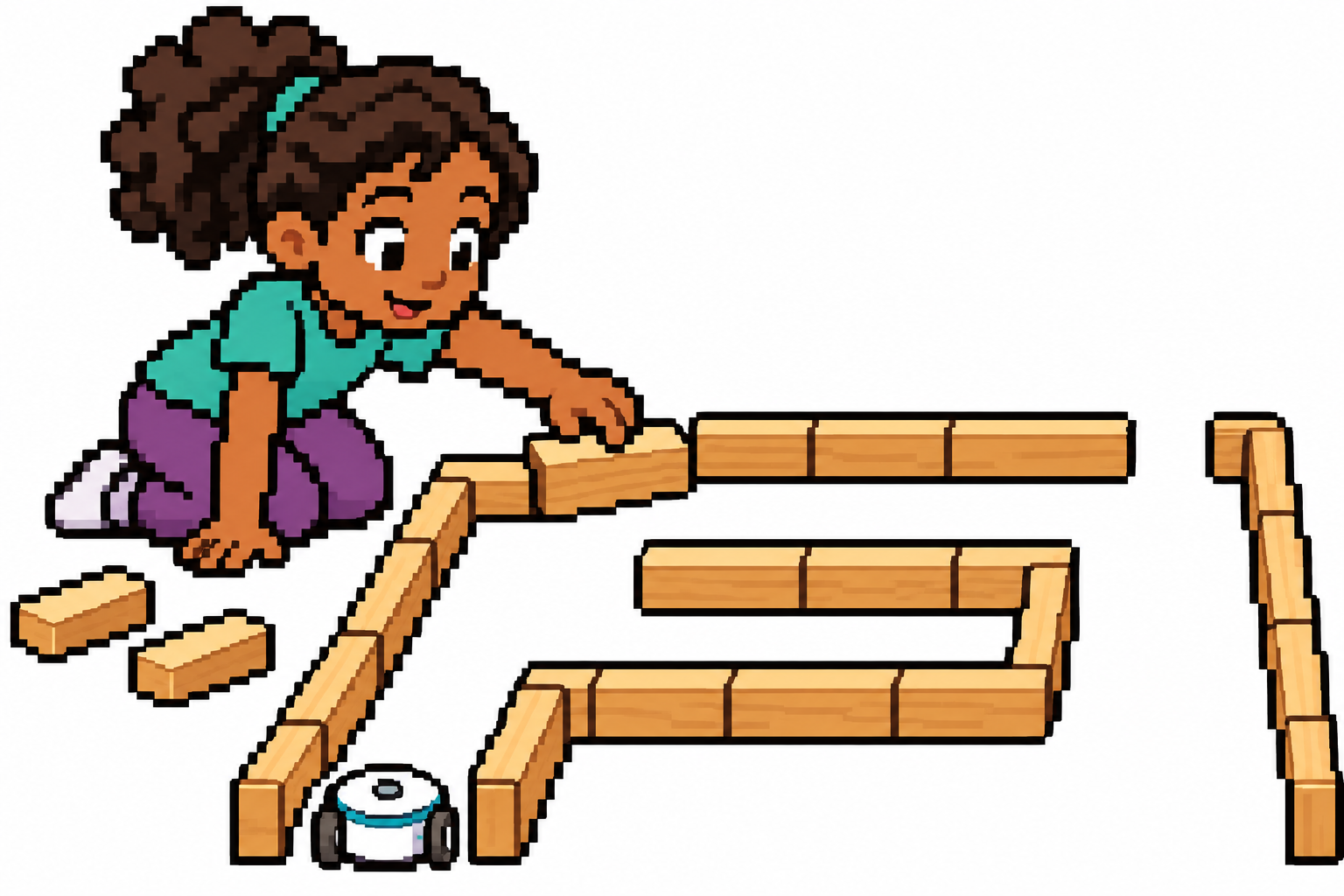
Now build the real challenge on the floor. Use wooden blocks, tape or paper obstacles to make a maze with a start and finish. Leave corridors wide enough for your robot to travel and turn.
- Step 3 of 4
Plan the route
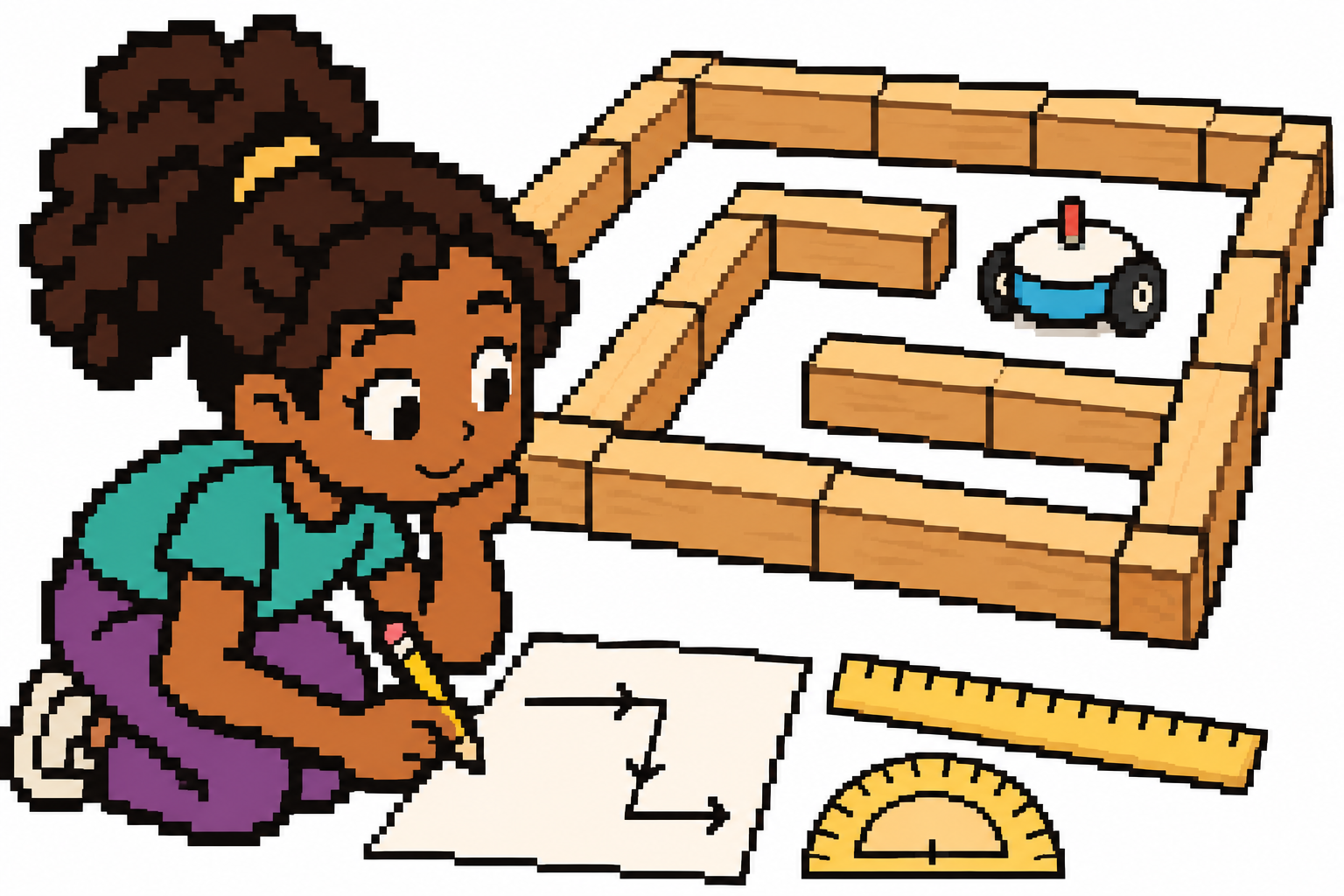
Sketch your real maze on paper. Use a ruler and protractor to measure distances and turns, then write the robot’s commands in order. The game used jumps on a grid; your robot needs distances and turning angles.
- Step 4 of 4
Test and improve
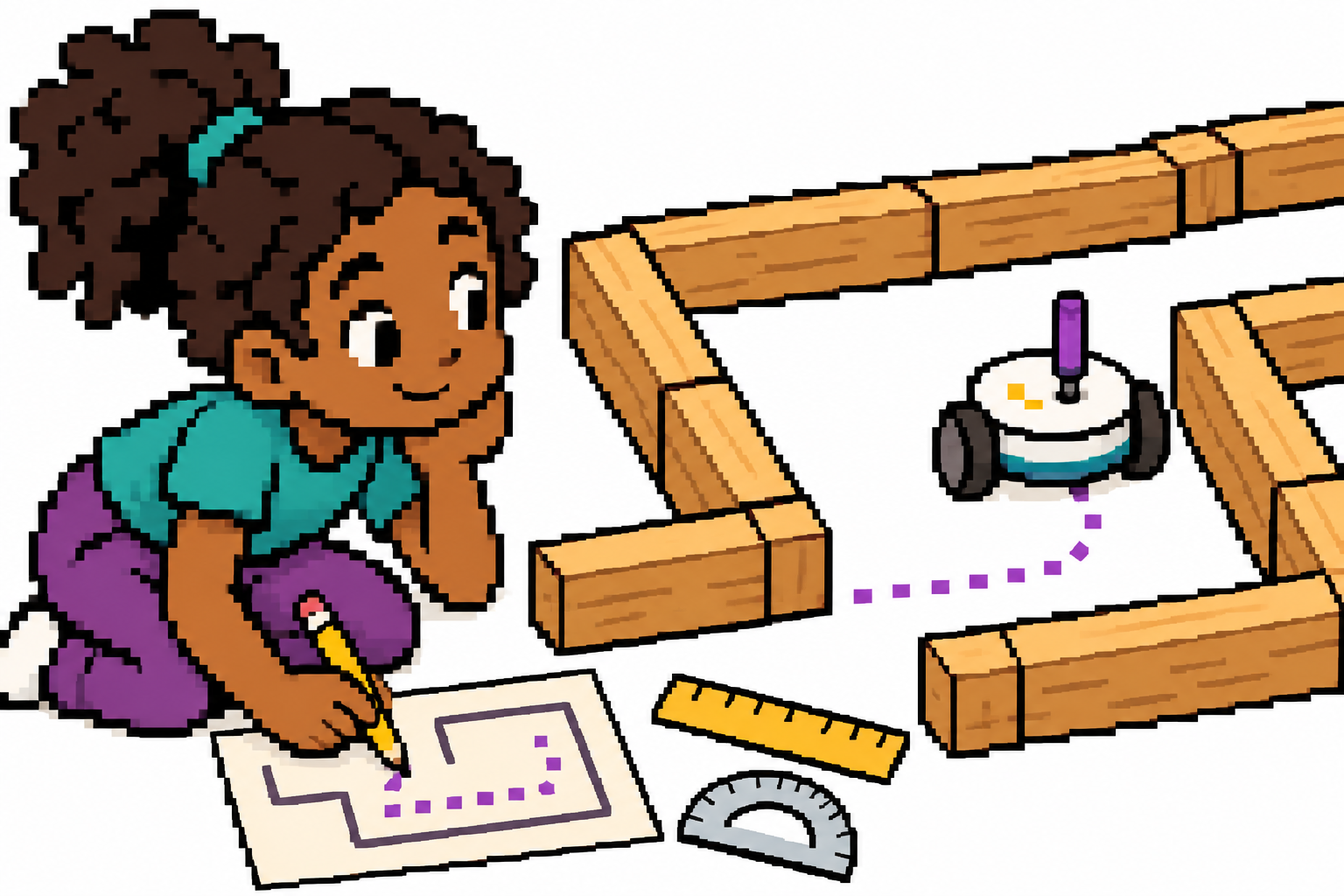
Build your sequence in Snap below, then try it with your real robot. If it touches a wall or misses a turn, compare its route with your paper plan, adjust one measurement and try again. Can you solve the maze with fewer commands?
/apps/ebrain/code/snap/snap.html