05 · Shape Recipe Book
Robot In A CanROBOT GAMES
Choose a recipe and teach your robot a new shape!

Choose a shape. Each recipe opens in Snap with pictures of our red Stepper Robot blocks and yellow Control blocks. Build one block at a time. The robot’s pen stays down; have your workshop leader check movement values before running.
Try it step by step
- Step 1 of 11
Choose a recipe
Choose a recipe below. In Snap, the recipe dropdown lets you switch recipes. Read the introduction, press Begin recipe, then follow the steps with the arrows. The instructions describe what to build; they do not add blocks for you.
- Step 2 of 11
Start with one shape
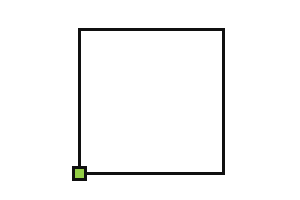
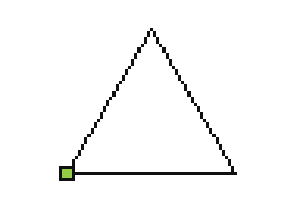
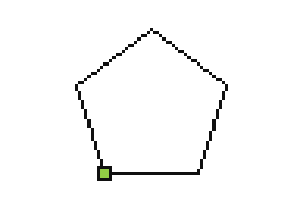
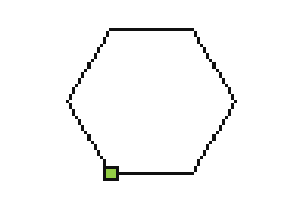
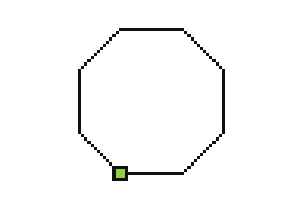
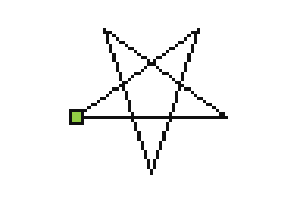
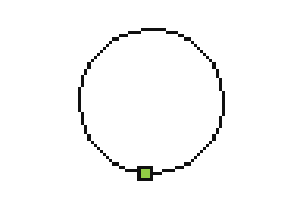
Square, triangle, pentagon, hexagon, octagon, star, and circle.
- Go code: Recipe · Draw Square →
- Go code: Recipe · Draw Triangle →
- Go code: Recipe · Draw Pentagon →
- Go code: Recipe · Draw Hexagon →
- Go code: Recipe · Draw Octagon →
- Go code: Recipe · Draw Star →
- Go code: Recipe · Draw Circle →
- Step 10 of 11
Experiment
Run a recipe, then change one number. Predict what will change before you click the green flag. Ready for patterns made from several shapes? Continue to card 06, Advanced Drawing.
- Step 11 of 11
Choose your next adventure
Try advanced drawings, play Robot Golf, or build a maze. Pick any related card below!