06 · Advanced Drawing
Discover patterns inside patterns.
For real robot moves in Snap, ask your workshop leader to check the block values first. Use the Remote on card 02 for measured distances and turns.
Try it step by step
- Step 1 of 3
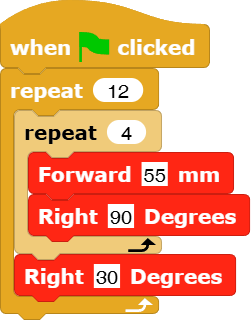
Repeat a repeat
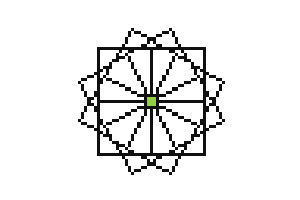
Put a simple shape inside a bigger repeat. Turn a little between copies of the shape. What pattern do you predict?
- Step 2 of 3
Invent a pattern
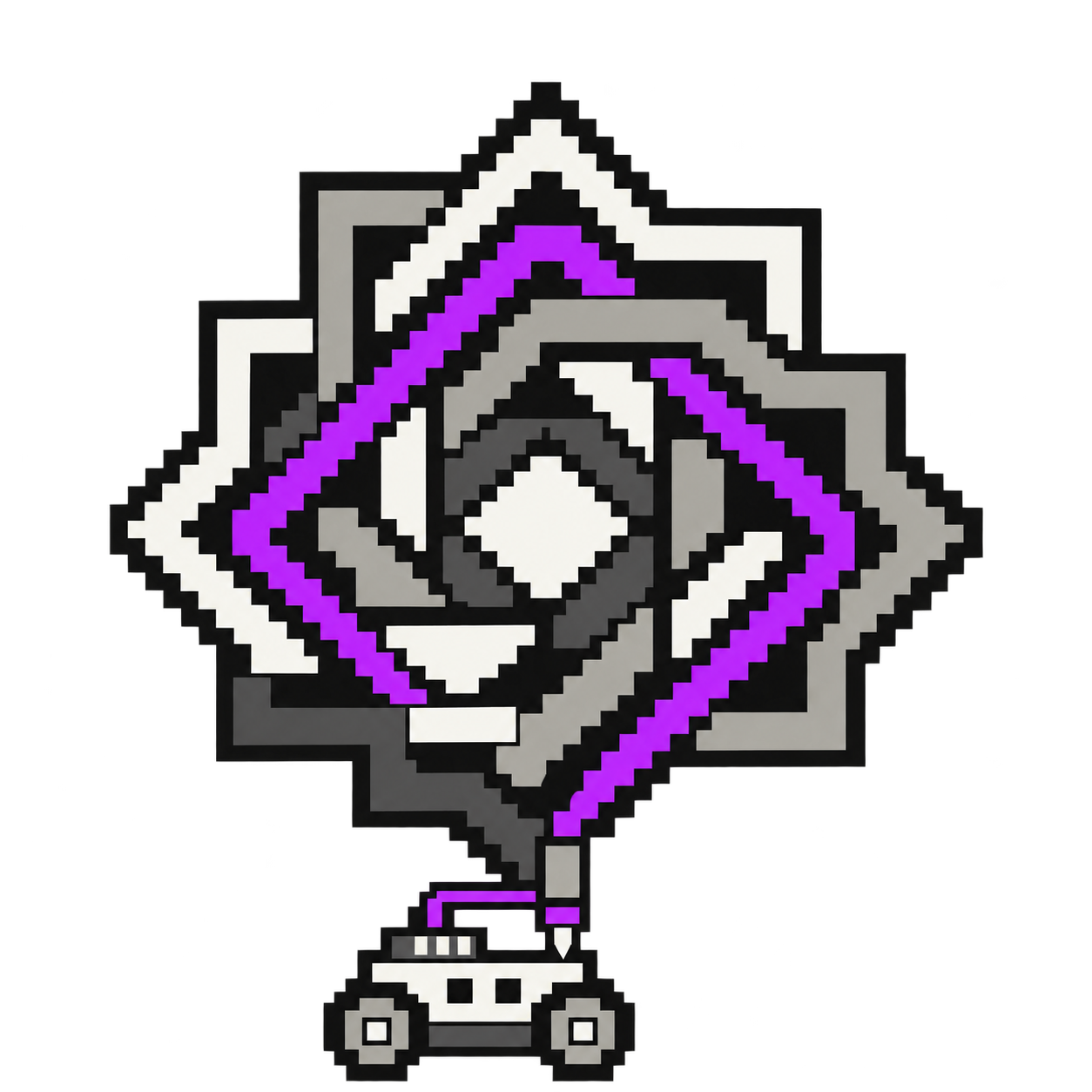
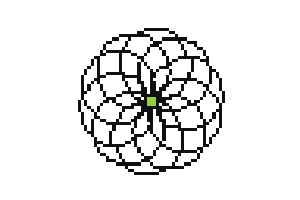
Experiment with the number of sides, repeat count and turning angle. The flower shows another pattern you can make by repeating a shape. Start with a recipe below, then change one number. For a robot drawing, start small and use movement values checked with your workshop leader.
- Step 3 of 3
Try some advanced shapes
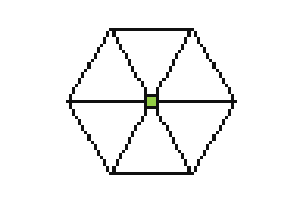
Choose a ten-circle flower, a square rosette or a triangle rosette. Each recipe opens in Snap with pictures of the blocks. Follow the recipe to build one shape, then repeat it with a small turn between copies.